Skip to content

Turn ideas into creations.

Work with a dedicated AI assistant to edit images and documents, design posters, product visuals, interiors and brands, or create PPT presentations, social posts and short dramas.

AI Image Editor

Upload an image. Describe an edit or mark the spot, then refine it together.

  • Point to the exact edit

    Click a spot in the image preview and send an annotation with your instructions.

  • Keep the original as your reference

    Specify the people, objects and composition to retain, then describe changes to the background, style or details.

  • Revise text within an image

    Provide the original and replacement text, then check spelling, typography and how the background blends.
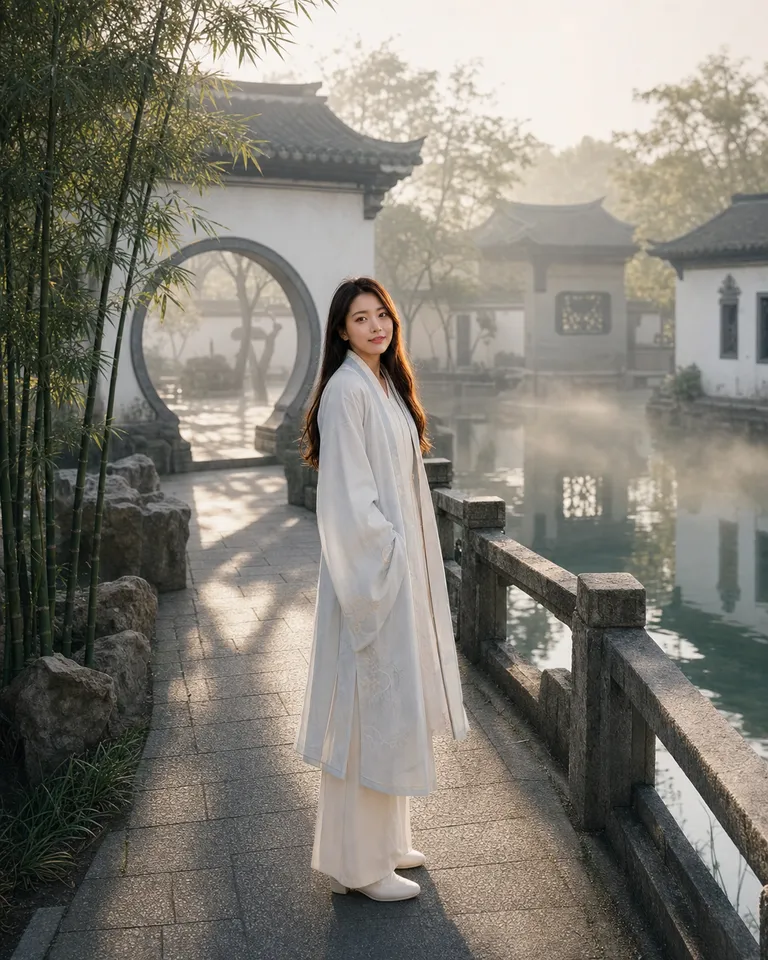
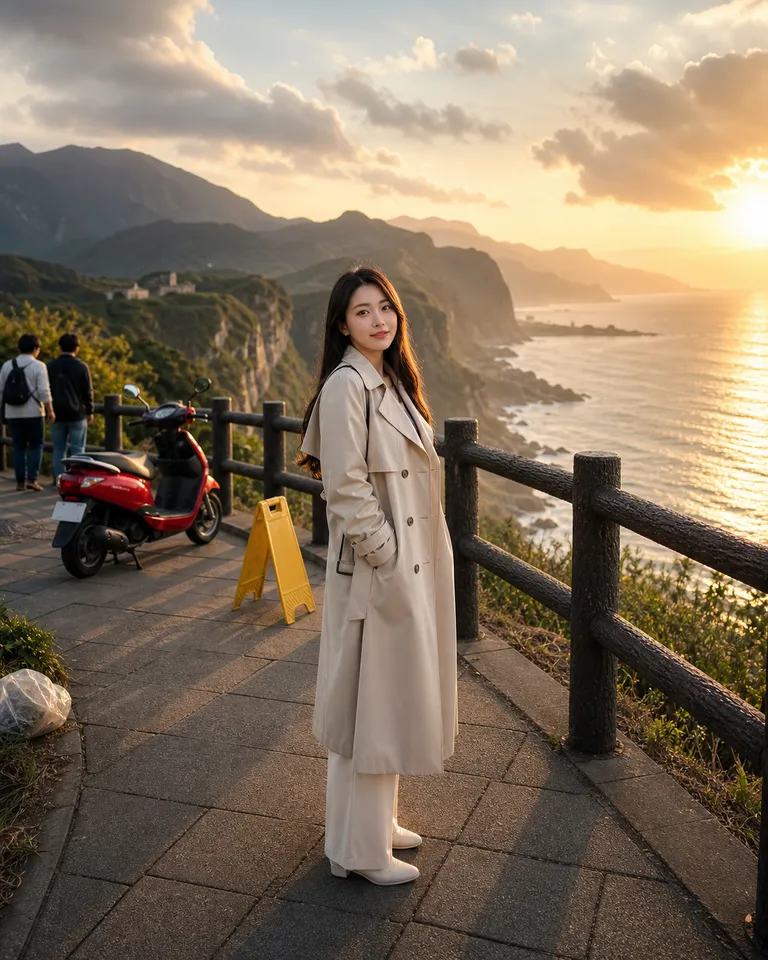
Travel photo to a Song-dynasty garden portrait — After
Travel photo to a Song-dynasty garden portrait — Before
BeforeAfter

AI Poster Generator

Share your message, style and materials. Turn an idea into a poster that draws attention.

  • Give your copy a clear hierarchy

    Organize the headline, key benefits and essential details around your audience and desired action.

  • Use references to explain the style

    Bring reference images and brand assets to show the colors, mood and visual emphasis you want.

  • Keep a poster series consistent

    Use one visual direction for an event, then adapt the proportions and information density for each placement.

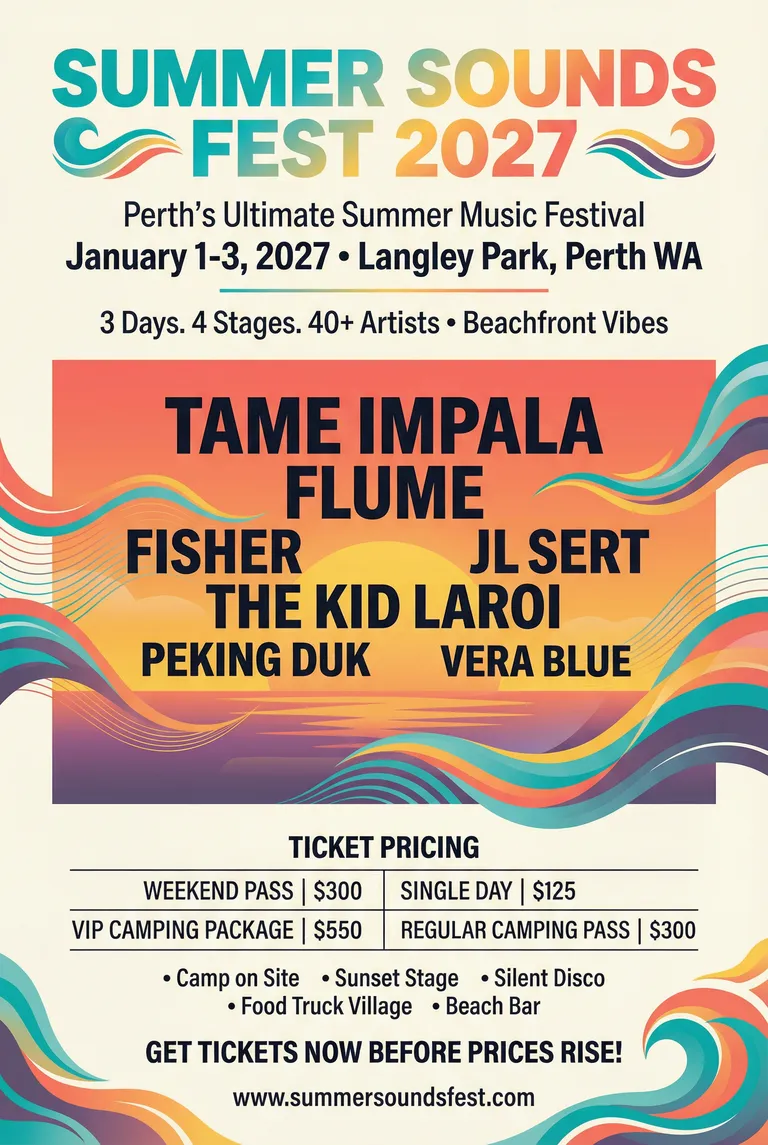
Summer Sounds Fest 2027 Poster - Festival Design Collection

AI Ecommerce Design

Turn product photos and real selling points into listing images and product detail visuals. Shape the story around your product, audience and store.

  • Start with product facts

    Use your photos, specifications and verified selling points to guide the design.

  • Build a visual sequence

    Develop main images, supporting images or A+ modules for the platform you specify.

  • Keep the set consistent

    Refine colors, typography and composition across product detail sections.

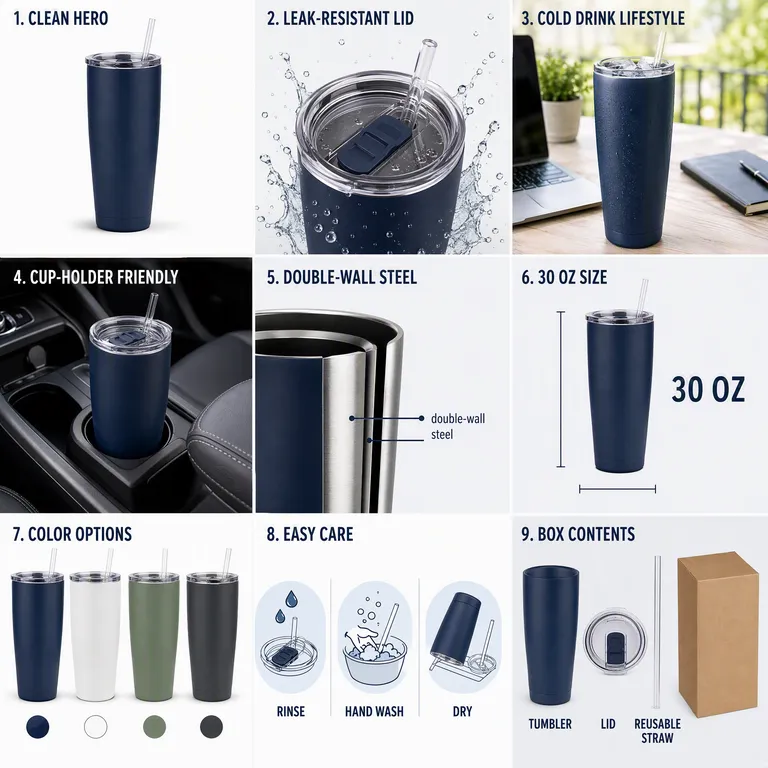
Amazon Tumbler 3×3 Listing Image Set

AI presentation generator

Turn notes, papers, and source material into a clear presentation with a consistent visual style.

  • Find the thread in your material

    Start with the audience and purpose, then define each slide’s message.

  • Keep the deck visually consistent

    Use a reference template to guide color, typography, and layout.

  • Refine individual slides

    Specify the pages to change while keeping the established direction.

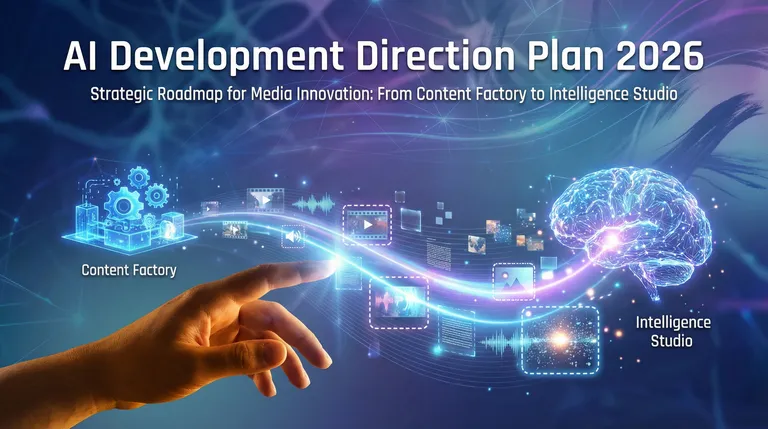
AI Development Direction Plan 2026 — 1 / 5
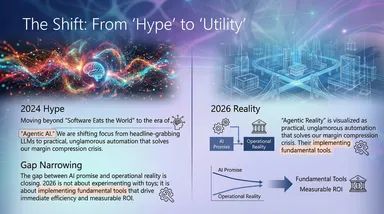
AI Development Direction Plan 2026 — 2 / 5
AI Development Direction Plan 2026 — 3 / 5
AI Development Direction Plan 2026 — 4 / 5
AI Development Direction Plan 2026 — 5 / 5

AI Social Media Generator

Turn a topic or article into a cover and a sequence of social visuals. Give each page a clear message and a consistent visual style.

  • Start from an article

    Provide text or an accessible article link to organize into a cover and content pages.

  • Give each page a purpose

    Separate the main message, supporting points and closing page into a readable sequence.

  • Choose what to create

    Ask for a cover, supporting images or a complete image series, and specify text to retain.

MOSS CAFÉ Maple Oat Latte Social Carousel

AI document editor

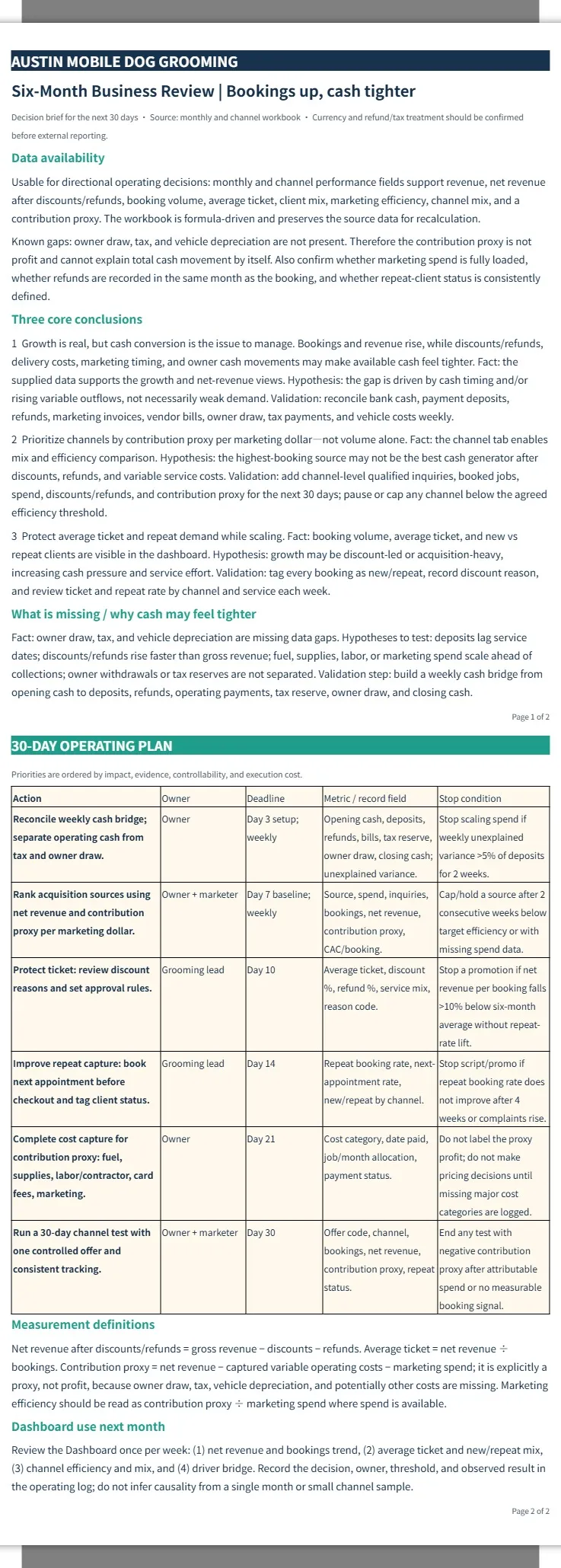
Turn notes, data, and earlier drafts into clear work summaries, reviews, and business reports.

  • Build a structure from your records

    Organize data, earlier drafts, and scattered notes into a clear report.

  • Create an editable document

    Combine heading levels, tables, and page layout in a Word document.

  • Make revisions reviewable

    Request tracked changes or comments while retaining content outside the edit scope.

Austin Mobile Dog Grooming | Six-Month Business Review

AI interior design

Explore a new direction for your room from photos and a few practical details. Bring layout, colors, lighting and furniture together in a visual concept.

  • Work from your space

    Use room photos, known measurements and fixed elements as the starting point.

  • Connect layout and style

    Explore circulation, furniture, colors and lighting as one visual direction.

  • See a concept before deciding

    Use generated room concepts to compare ideas and discuss the details.

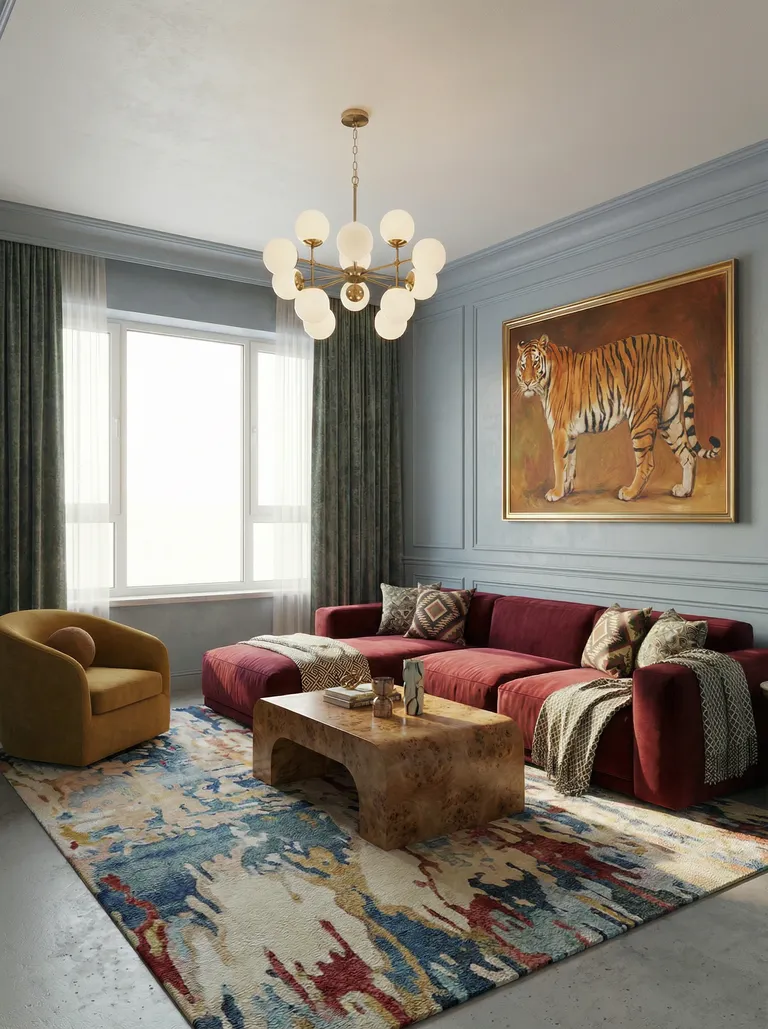
French-style living room preview

AI short drama generator

Develop an idea or script into characters, art, storyboards, and video clips ready for post-production.

  • Approve the story in stages

    Review the outline and script before moving into later production.

  • Build character and scene references

    Establish character looks, settings, and props to guide continuity.

  • Preview keyframes first

    Review representative storyboard images before expanding into video clips.

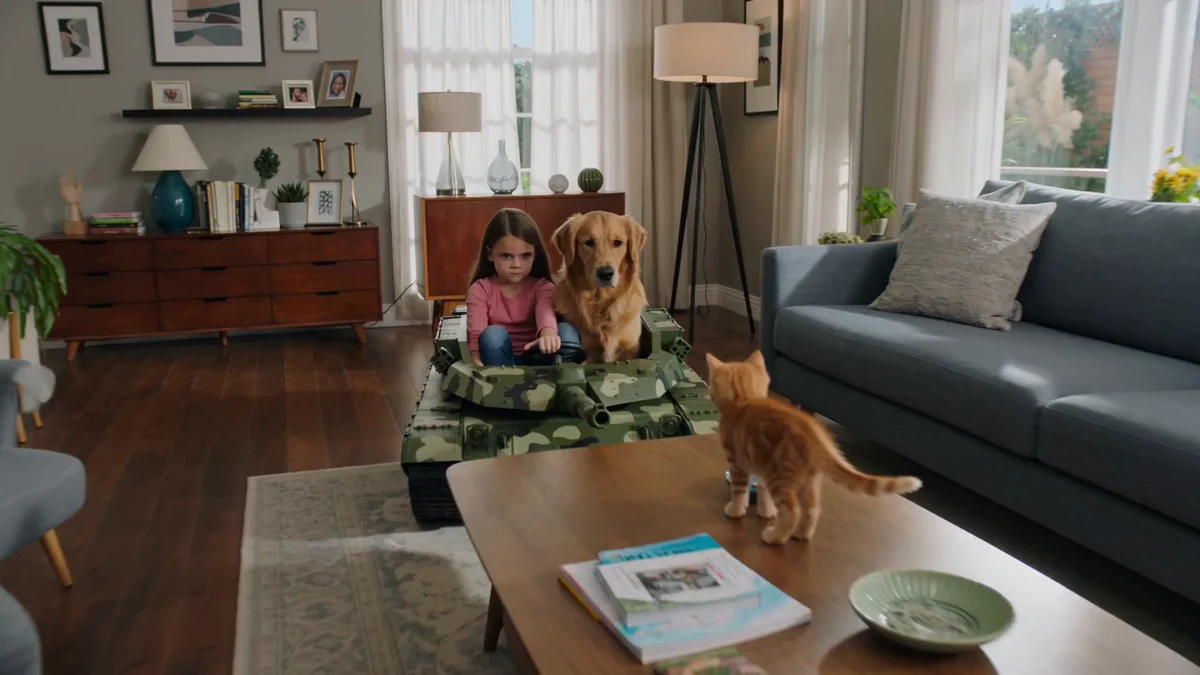
Comedy Tank Standoff

AI brand design

Connect brand positioning, logos, color, typography, and applications in one consistent visual identity.

  • Start with brand positioning

    Use the audience, industry, and personality to guide visual decisions.

  • Build a consistent visual language

    Organize logos, colors, typography, and graphics into reusable design rules.

  • Put the brand into context

    Extend approved design into packaging, collateral, and everyday applications.

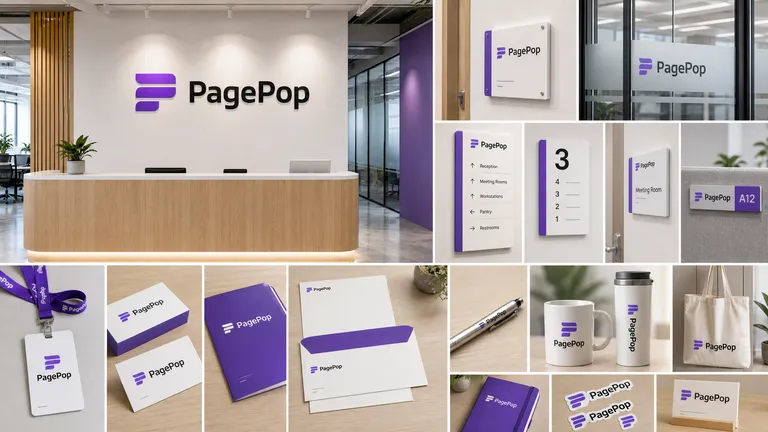
PagePop Reception Space & Brand Collateral

Find the right tool

Choose a direction and take your idea further.

Ready to work on your next task?

Choose a professional scenario, clarify your brief, and continue with a PagePop AI assistant.

Get started