
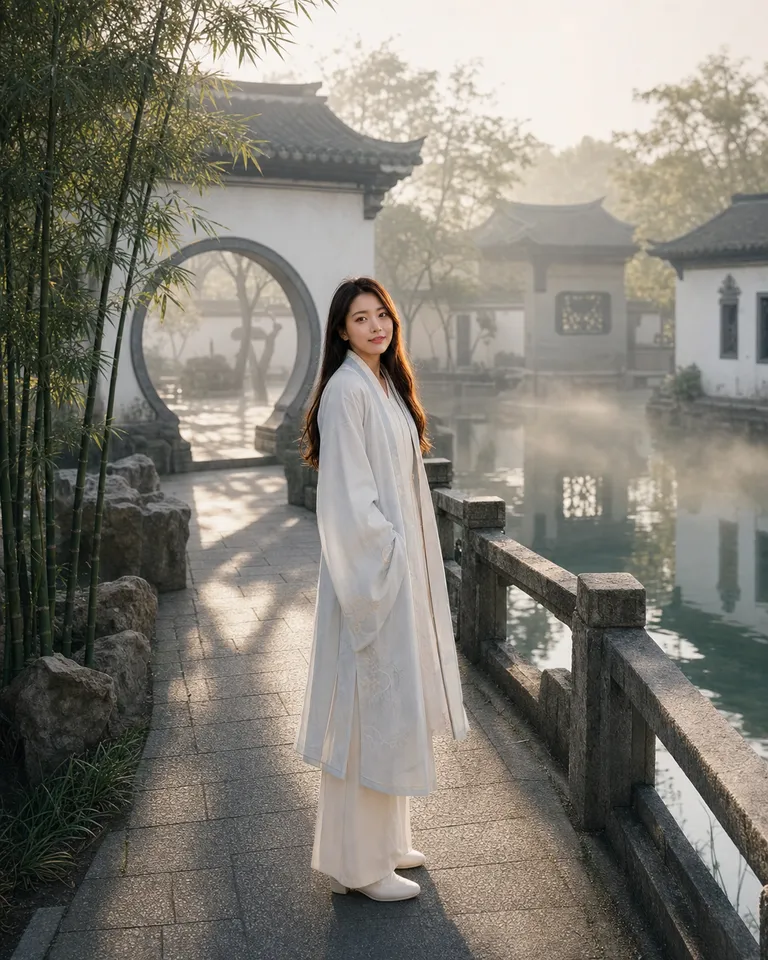

Upload an image. Describe an edit or mark the spot, then refine it together.
Explore image edits through comparisons, from changing scenes to refining portraits.


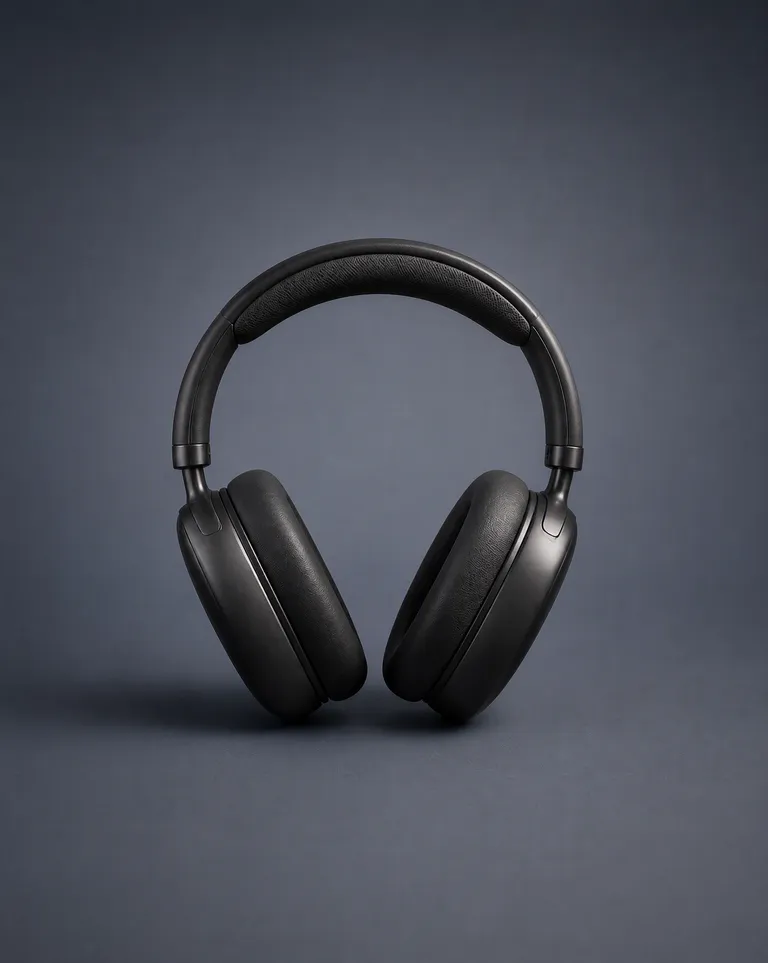
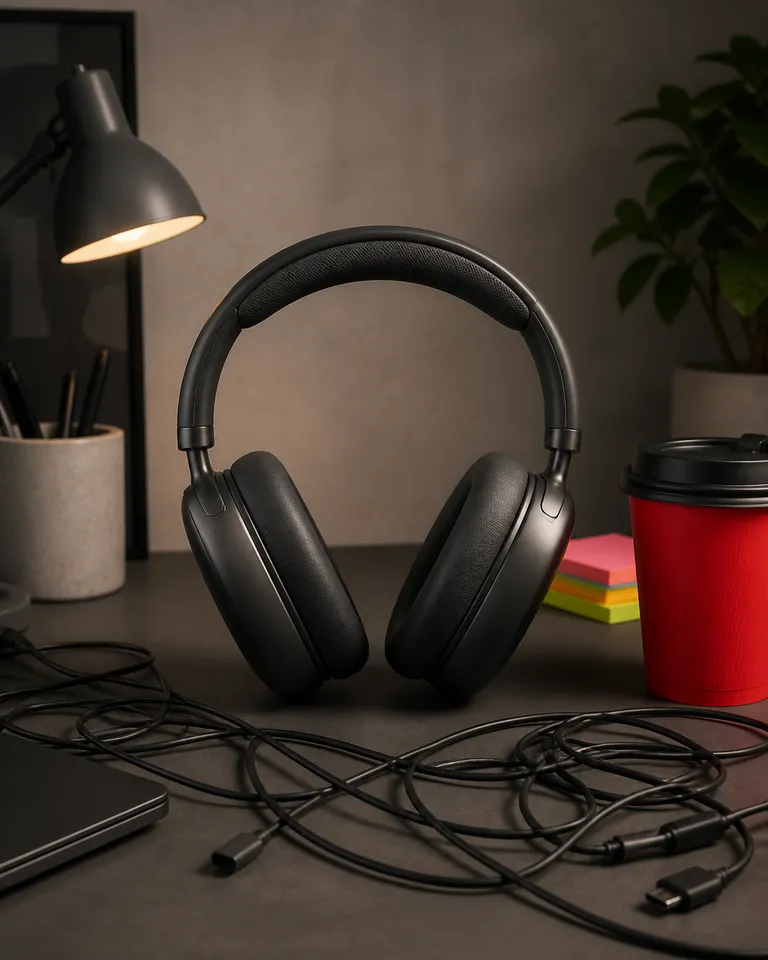
Click a spot in the image preview and send an annotation with your instructions.
Specify the people, objects and composition to retain, then describe changes to the background, style or details.
Provide the original and replacement text, then check spelling, typography and how the background blends.
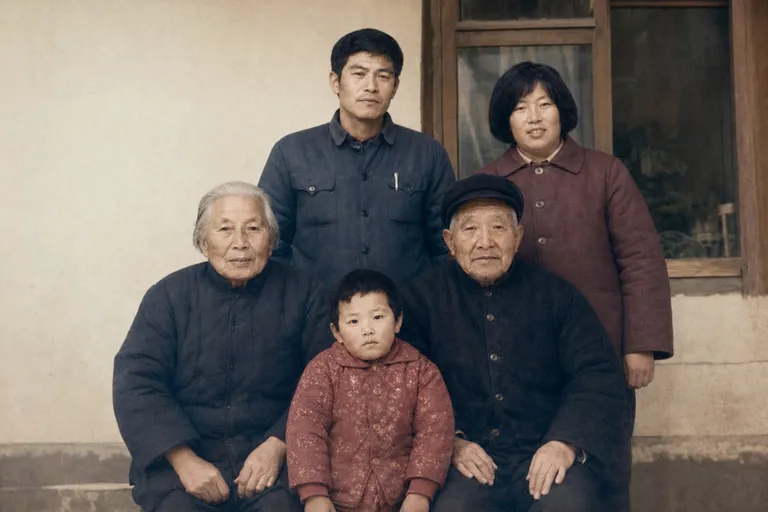
PagePop
Open the image editing assistant, upload your image, and describe what you want to change.
Click the spot in the image preview, add specific instructions, and send them along with your other changes.
Ask for further changes in the same conversation, then save your chosen result.
Bring the image you want to edit and a clear description of the change. Mention the areas, words, or objects you want to keep.
Click the area in the image preview, add your instructions, and confirm the annotation to send it with your message.
Describe the original text, its replacement and its location. Check the resulting wording, typography and surrounding background.
Upload the original and specify which characteristics to retain. Mark the details to change, then compare the result with your source image.
Yes. Continue in the same conversation and explain what still needs to change. Refer to a specific area to make your request clearer.
Usage is subject to your account plan and available credits. Check the current pricing and your balance before starting.
Bring your image and make the next version with your image editing assistant.
Start editing