


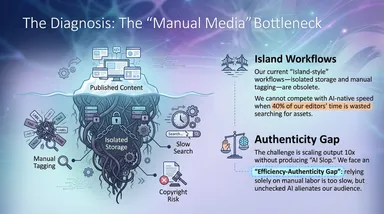
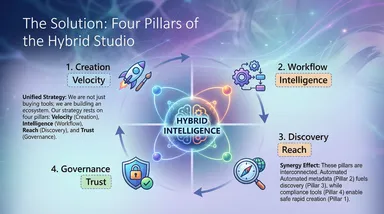
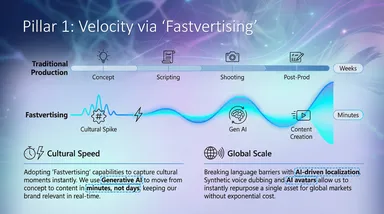
Turn notes, papers, and source material into a clear presentation with a consistent visual style.
Organize proposals, knowledge and work results into focused presentation pages.

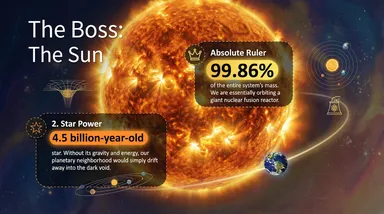
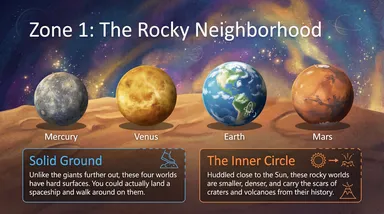

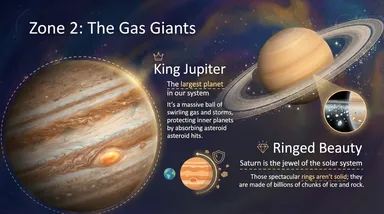

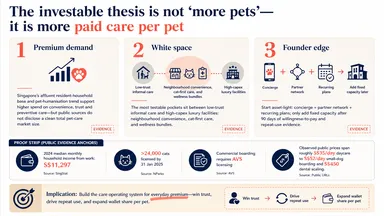
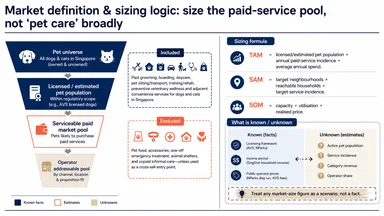
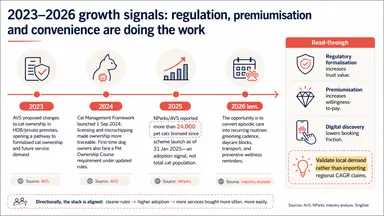
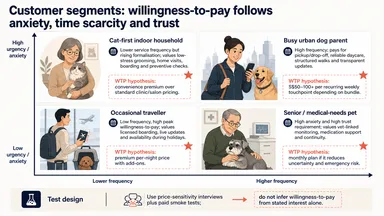
Start with the audience and purpose, then define each slide’s message.
Use a reference template to guide color, typography, and layout.
Specify the pages to change while keeping the established direction.

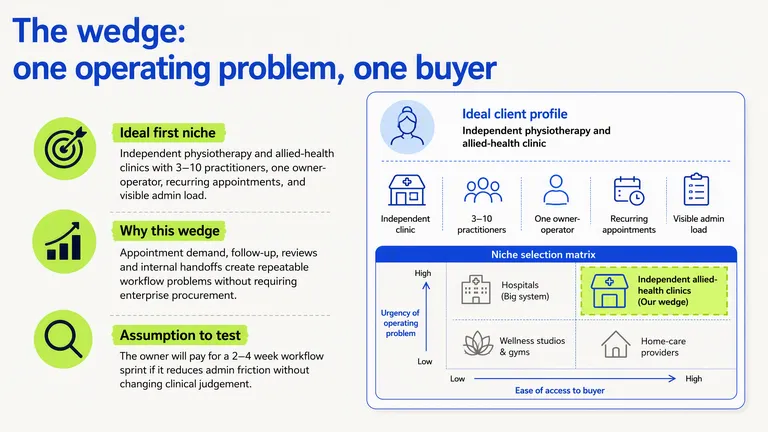
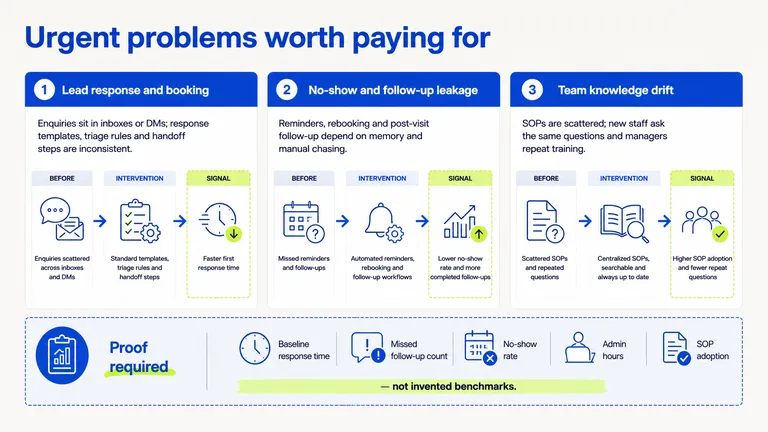
PagePop
Describe the audience, purpose, slide count, and visual references.
Set the narrative, sections, and key message for each page.
Generate image-based slides using a shared visual template.
Review the deck in HTML and request specific changes.
Yes, using readable papers or PDF documents. Scans depend on text recognition quality. Review conclusions and references against the original.
The current process produces image-based slides and an HTML preview. It does not promise native PPTX files with individually editable objects.
Use your sources as the basis. Missing information needs clarification or a note; check numbers, citations, and conclusions before presenting.
Yes. Share the intended length, audience, presentation time, and topics that need emphasis.
Yes. Provide the existing version and identify the page and changes to retain the visual direction.
No. Start with material, rough ideas, or links, then work out the narrative and page structure.
Bring your material and tell the assistant who you’re presenting to.
Create a presentation