


Specialized AI assistants across industries
Browse real categories to find an AI assistant that understands your industry, role, or professional scenario.
Describe anything
Share what you need and add source materials. A specialized AI assistant will understand the goal, create the result, and refine it with your feedback.
Create four product detail images for a cream cloud-shaped pet bed, showing the product in different home settings.
I created four pet-bed product images. Open them now, or tell me what you would like to adjust.
Try a fresh spring style with a light green background. Keep the product unchanged.
Types of content you can create
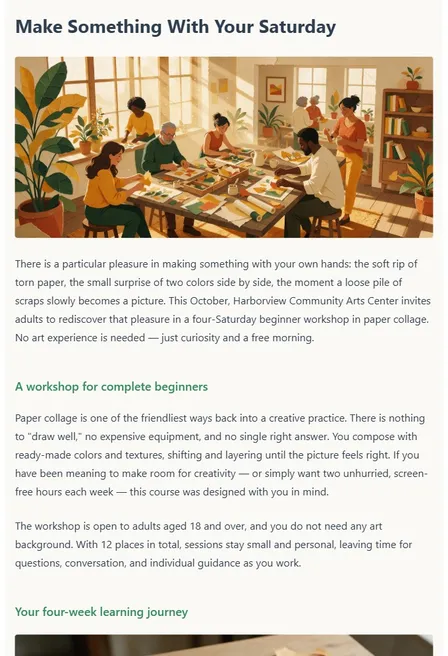
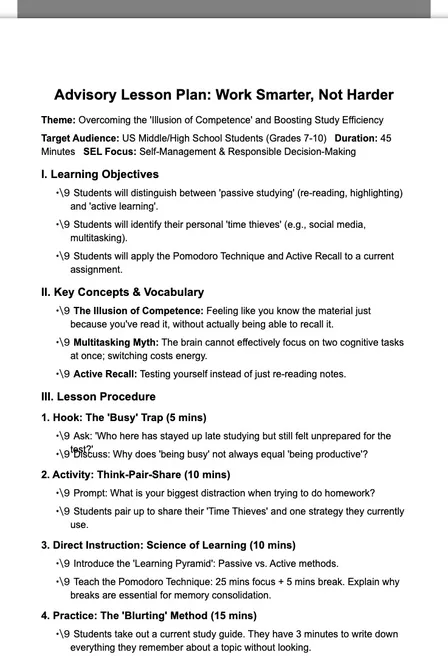
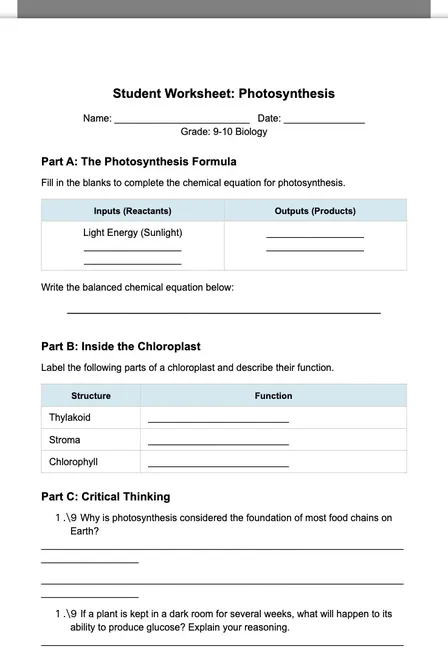
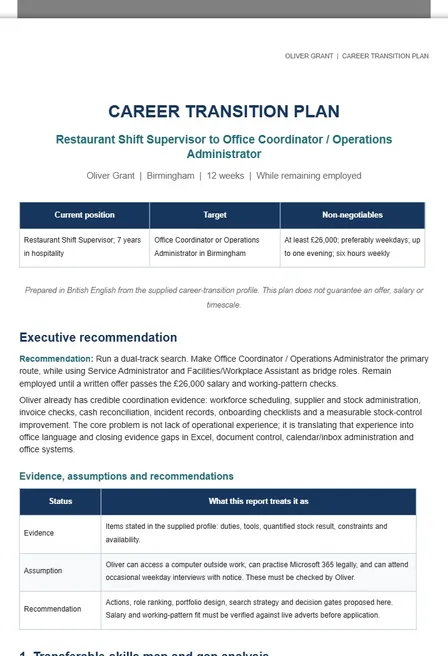
Explore real PagePop results across images, videos, social content, long-form articles, presentations, and documents.

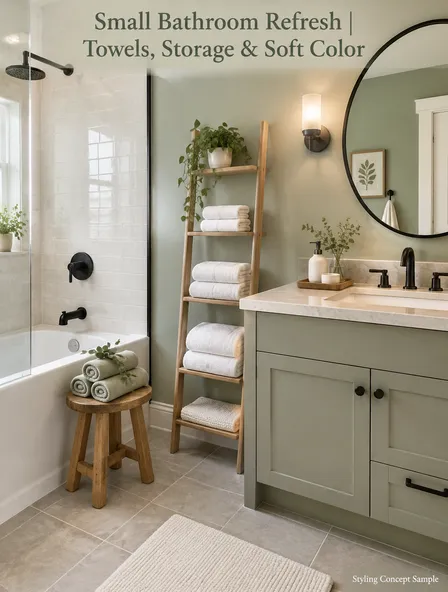
Wellness Studio Reception - Calm Arrival and Clear Wayfinding
 Interior Designer
- 8
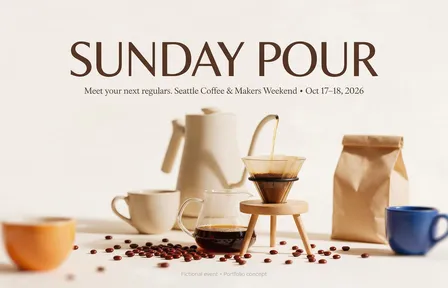
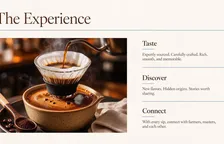
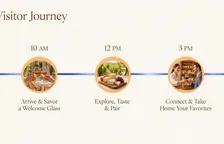

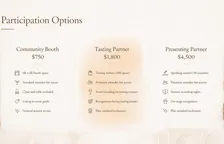
SUNDAY POUR | Exhibitor & Sponsor Presentation
 Trade Show Marketing Assistant
  3
3Canvas Market Tote | Hero, Details & Everyday Use — Design Concept
 Product Launch & Visual Partner
 4
4Quiet Bloom | Fine-Art Botanical Portrait Set
 Art Portrait Retoucher

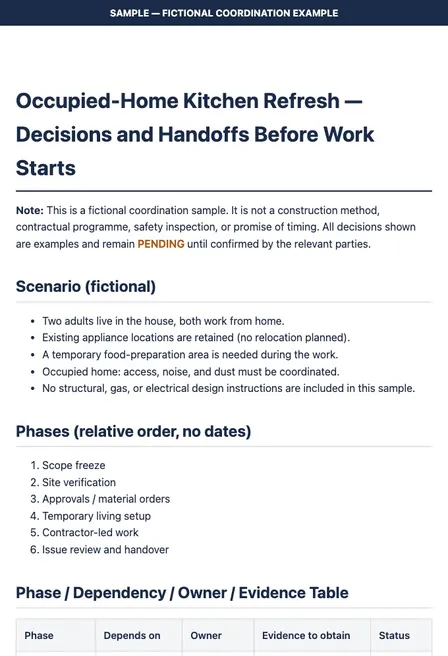
Occupied-Home Kitchen Refresh — Decisions and Handoffs (Sample)
 Renovation Delivery Partner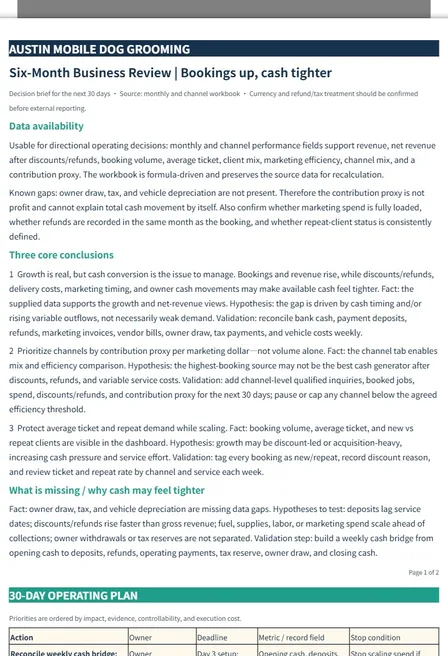
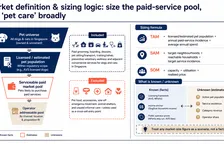
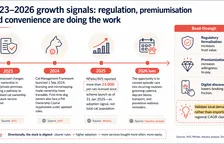
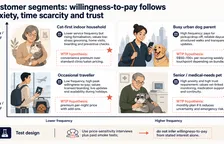
Austin Mobile Dog Grooming | Six-Month Business Review
 Business Review Analyst
- 12
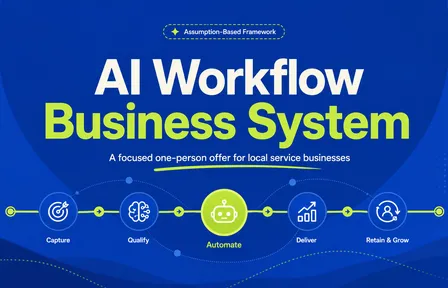
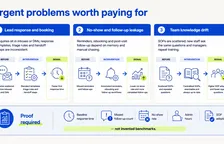
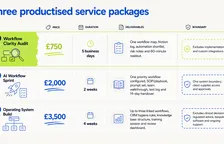
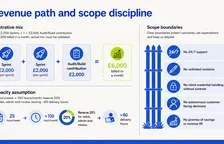
AI Workflow Business System for Local Service Businesses
 One-Person Business Assistant
 - 10

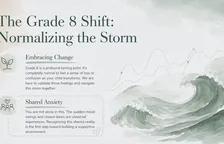
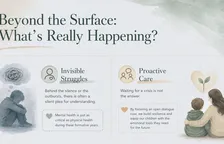
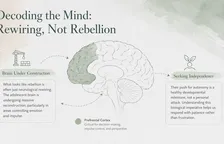
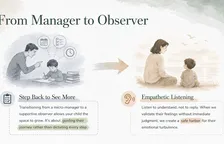
PPT for Parent Meeting: Mental Health Education in Middle School
 Family Liaison
- 7


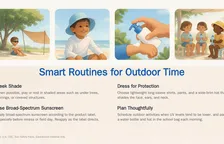
Sun Smart at School: A Family Guide for Kids
 Medical & Health Science Assistant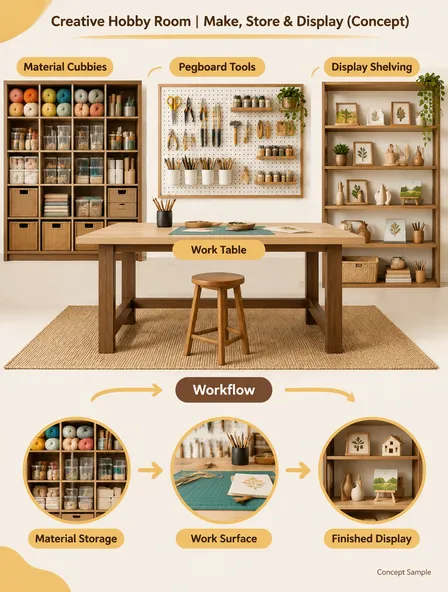
Creative Hobby Room | Make, Store & Display (Concept)
 Space Planning Partner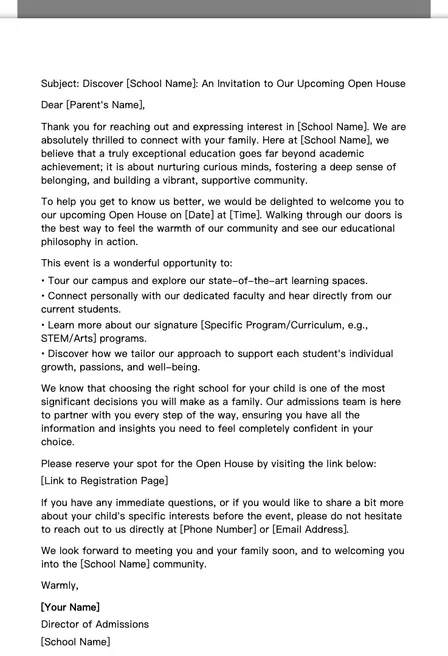
Open House Invitation
 Admissions & Brand Lead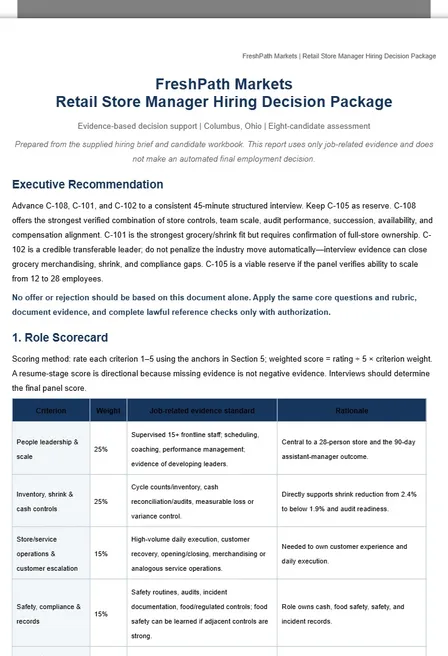
FreshPath Markets — Retail Store Manager Hiring Decision Package
 Enterprise Recruitment Assistant
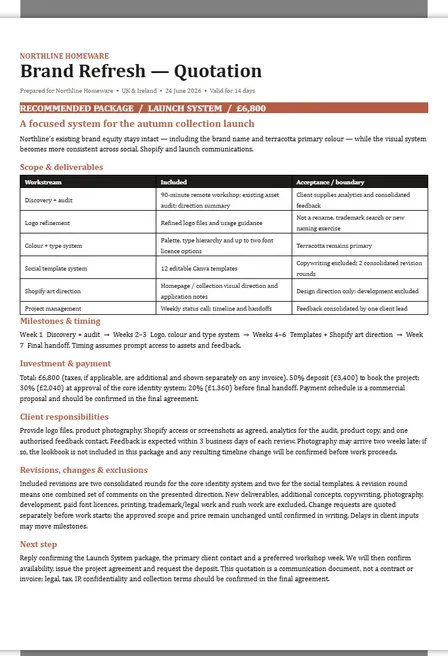
Northline Homeware | Launch System Brand Refresh Quotation
 Service Quote Advisor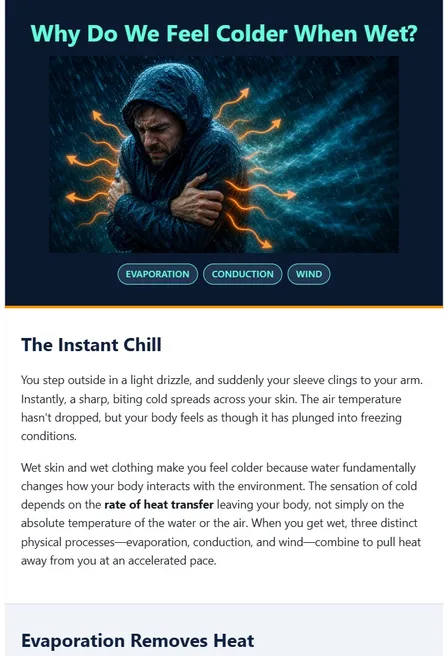
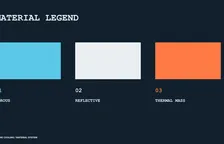
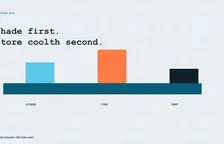
Why Do We Feel Colder When Wet?
 Science Infographic Assistant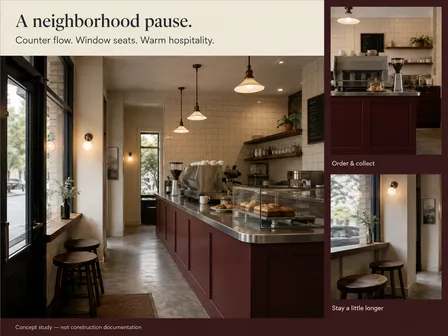
Neighborhood Café | Counter Flow & Window Seating (Concept)
 Interior Design Consultant
 4
4Garden Vows | English Manor Wedding Set
 Wedding Photo Retoucher



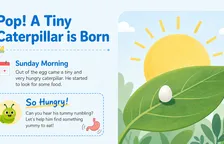
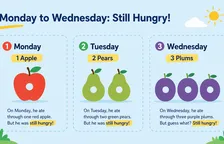
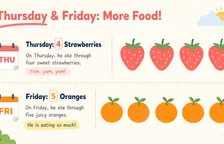
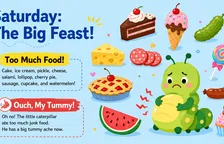





Keep scrolling
Built for Real Creative Work
Used by creators, designers, builders, small businesses, individuals and teams
PagePop lets me produce multiple design directions in minutes, which is perfect for client proposals and fast iteration.
I use PagePop to turn product descriptions into multiple visual assets — product images, banners, and social posts — without needing a designer.
PagePop helps me quickly generate campaign visuals and variations from a single brief, which makes testing ideas much faster.
One idea can become multiple social formats instantly. I can generate posts, thumbnails, and visual content tailored for different platforms.
I use PagePop to quickly turn rough ideas into polished visuals. It saves me hours when creating content for different channels.
I can generate product visuals and promotional materials just by describing what I want. It works like having a design assistant.

The right model for every task
From understanding your request to generating images and videos, PagePop automatically chooses suitable models for the task so you can focus on your goal and the result.

Nano Banana Pro

GPT Image 2

Seedance 2.0

Seedance 2.5

Gemini 3 Pro

GPT-5.6
Frequently asked questions
What is PagePop?
PagePop is an AI agent for content creation and professional tasks. Describe what you need in everyday language, and specialized assistants across different fields help understand your goal, generate content, and refine the result through conversation.
How do I use PagePop?
Open PagePop and describe what you want to accomplish, or start by choosing a specialized assistant for the task. Add your goal, audience, and materials such as images, links, or documents, then review and refine the result through conversation. No software installation is needed.
What can I create with PagePop?
You can generate and edit images, product visuals, and posters, and create videos, social media content, long-form articles, PPT presentations, and documents. You can also prepare lesson plans, teaching materials, and worksheets. Start with a specific task or explore real examples for inspiration.
Who is PagePop for?
PagePop is not just for content creators. E-commerce operators, branding and marketing professionals, teachers and researchers, office workers, designers, individuals, businesses, and organizations can choose specialized assistants for content creation, organizing materials, lesson preparation, space design, and more.
Can I use it without design or technical skills?
Yes. You do not need to code or learn professional design software first. Explain the purpose, style, and what should stay unchanged in everyday language, add reference materials, and refine the result through conversation.
Which leading models does PagePop integrate?
PagePop integrates Nano Banana Pro, GPT Image 2, Seedance 2.0, Seedance 2.5, Gemini 3 Pro, and GPT-5.6. Specialized assistants automatically choose suitable models for the task, bringing their capabilities together to understand content and generate images and videos.
Can I edit, favorite, and download generated results?
You can keep asking for changes in the conversation to refine the content and its presentation. Depending on the result type, you can also view it, add it to favorites, download it, or share it. Available actions and formats are shown on the result page.
Can I use PagePop for free?
PagePop offers a free experience as well as Entry, Standard, and Pro plans. Credit allowances, image and video specifications, and other benefits vary by plan. Compare them on the pricing page, where current prices and benefits are listed.
What is the difference between plans and credits?
Plans provide feature benefits and a credit allowance. Credits are used for generation and specialized capabilities within tasks. A Credits Pack adds credits but does not provide plan benefits on its own. You can view your available balance, expiration dates, and usage history in your account. See the membership and credits page for the applicable rules.